What is a RAW format? 3 advantages that matter
By teamnext Editorial Team
RAW formats primarily refer to file formats for digital photography in which sensor data is stored without in-camera processing and without lossy compression. RAW formats also exist for scanners and cinema cameras, but this text focuses exclusively on RAW files in digital photography.
The term RAW refers to raw data. In German, RAW formats are therefore often called Rohdatenformate.
From film negative to RAW file
In analog photography, the negative represented the original image source. In digital photography, this role is taken by the RAW file. It can be understood as a digital negative.
RAW files are unfinished image files. They must be converted into an output format such as JPEG or TIFF before use. This process is called RAW conversion and corresponds conceptually to traditional photo development.
In 2004, Adobe introduced DNG, an open RAW standard. DNG stands for Digital Negative. Despite this initiative, camera manufacturers continued to rely on proprietary RAW formats. Today, more than 200 different RAW formats exist. Many of them are not fully documented and can only be processed with manufacturer-specific software.
What data is stored in a RAW file?
A RAW file typically contains:
• unprocessed sensor data with color and brightness values per pixel
• capture parameters such as focus, aperture, shutter speed, and ISO
• metadata such as capture time, GPS data, and camera model, usually based on Exif
• an embedded preview image, often in JPEG format
Advantages of RAW formats
1. Individual pre-processing
RAW files allow post-processing decisions that would otherwise be fixed by the camera. Typical parameters include:
• white balance
• color saturation
• color space
• contrast
• sharpening
• noise reduction
• tonal adjustments
These steps are part of RAW conversion and are comparable to darkroom work in analog photography. Software replaces chemical processes.
Common RAW converters include:
• Adobe Lightroom
• Capture One
• darktable
Adjustments are also possible with developed image files, but flexibility is limited. Information has already been discarded during processing. JPEG compression adds further data loss.
2. Uncompressed storage
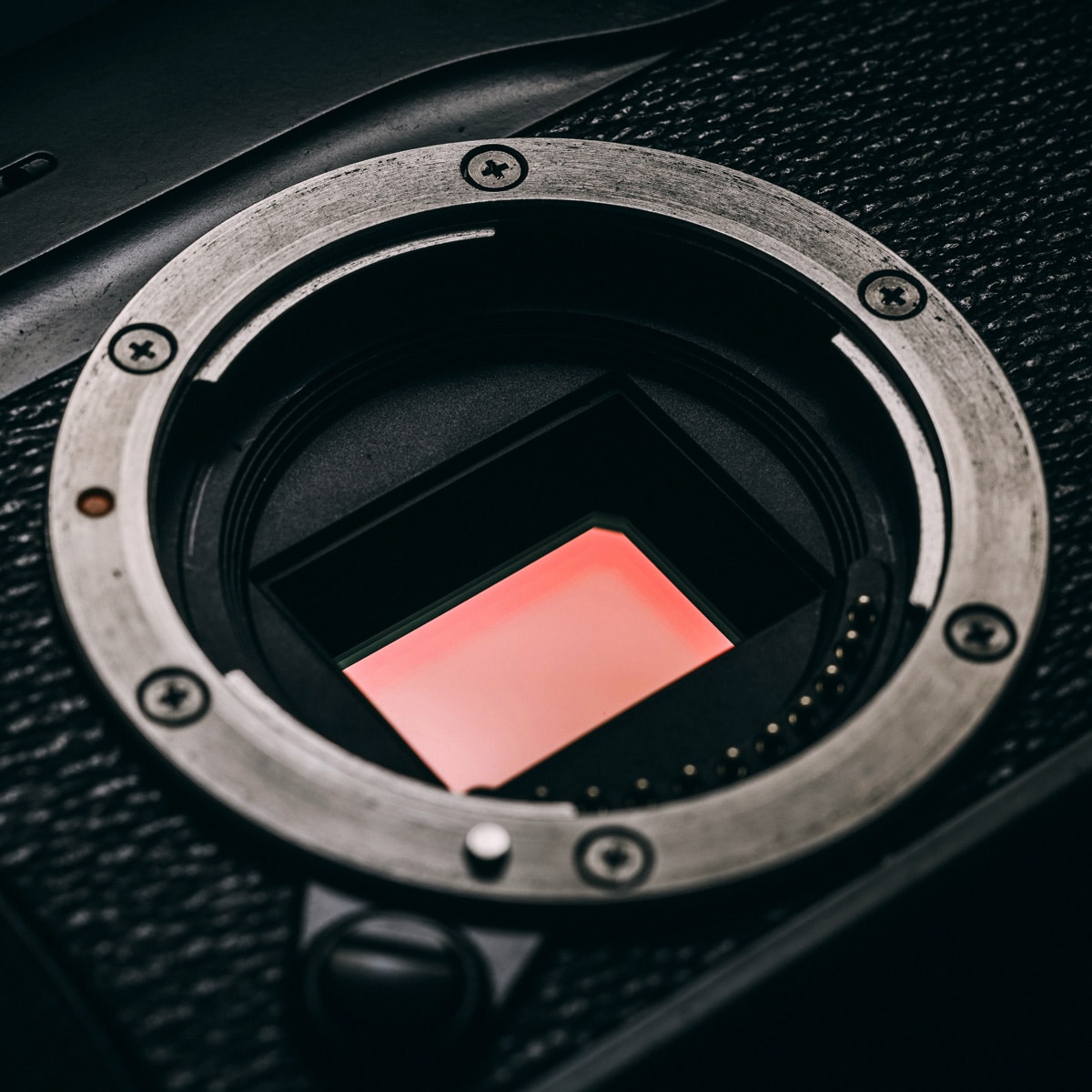
RAW formats store sensor data uncompressed or using lossless compression. Unlike JPEG, no image information is discarded.
The increased storage requirement is accepted in exchange for maximum image fidelity.
3. Maximum color depth
RAW files support very high color depth and tonal resolution. The maximum color depth can reach 48 bit, corresponding to approximately 281 trillion possible color values.
In practice, this maximum is rarely required. Only a small number of high-end camera sensors can fully utilize this depth.
Common RAW formats
The most widely used RAW formats are proprietary formats from major camera manufacturers. Adobe’s DNG format occupies a special position as an open standard and is not listed here.
Alphabetical selection:
• 3FR / FFF – Hasselblad
• ARW / SRF / SR2 – Sony
• CRW / CR2 / CR3 – Canon
• DCR – Kodak
• MRW – Minolta
• NEF / NRW – Nikon
• ORF – Olympus
• PEF / PTX – Pentax
• RAW / RW2 – Panasonic
• RAW / RWL – Leica
• SRW – Samsung
• X3F – Sigma
Cameras supporting RAW capture
In early digital photography, RAW capture was limited to professional cameras. Examples include the Nikon D1 from 1999 and the Canon EOS-1D from 2001.
Today, RAW capture is supported by nearly all professional and semi-professional cameras. Many entry-level models also include this feature. A comprehensive list is maintained on the English Wikipedia.
RAW photography on smartphones
RAW capture has been supported on smartphones for several years. Availability depends on device and camera software.
RAW photography on iPhones
Apple uses the ProRAW format on newer models. It combines standard RAW data with Apple’s computational imaging pipeline.
Supported models:
• iPhone 12 Pro
• iPhone 12 Pro Max
• iPhone 13 Pro
• iPhone 13 Pro Max
• iPhone 14 Pro
• iPhone 14 Pro Max
ProRAW must be enabled in the camera settings. During capture, RAW mode is activated manually.
Older iPhones from the iPhone 6S onward can capture RAW images using third-party apps, provided iOS 10 or later is installed. ProRAW is not available on these devices.
RAW photography on Android devices
Android has supported RAW capture since version 5.0. Support depends on the camera app implementation.
Google introduced native RAW support starting with the Pixel 3. Earlier models such as the Pixel 2 were enabled later.
On Pixel devices, RAW capture usually also creates a JPEG file. RAW files are stored separately in DNG format.
Other manufacturers offer RAW modes as well, with device-specific behavior.
Opening and processing RAW files
RAW files may be delivered intentionally or by mistake. They can also serve as proof of authorship.
Required software depends on the format:
• rare proprietary formats may require manufacturer software
• common formats can be opened with general RAW converters
• DNG files are supported by many standard applications
darktable is a well-known open-source RAW converter supporting most major formats. DNG files can also be opened with default viewers in Windows or with tools such as Photoshop Express.
Caution with online converters
Online RAW converters are available. Uploading RAW files also transfers embedded metadata to third-party servers. This can be problematic for sensitive or professional material.