7 Free Apps for Better Photos and Videos
By teamnext Editorial Team
Visual content is constant fire today. In the feed, in chats, on websites. And the brain decides in seconds what sticks. Images help because a scene is understood almost instantly. Anyone working in social media feels this every day. Without strong visuals, little happens.
Instagram is a good example. The platform keeps growing and sits at around three billion monthly active users worldwide. Photos, short videos, and fast formats drive that momentum. That is why clean editing matters. Not for glossy perfection, but for clarity, mood, and recognition.
Here are seven free apps that push content to the next level without much effort.
1. snapseed | iOS & Android
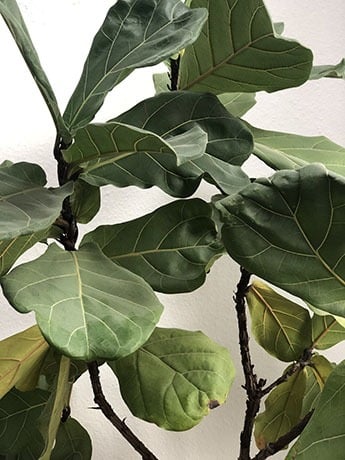
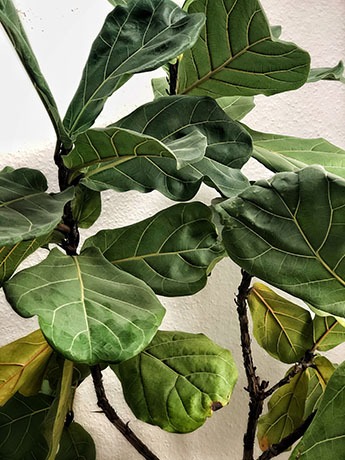
Snapseed is a classic. Free, solid, no fluff. It covers all basics like cropping, straightening, and fine tuning. The local tools are the real strength. The Selective tool lets specific areas get brighter, more saturated, or more contrast heavy. Sharpening stays clean and natural. In 2025 Snapseed is still one of the best free apps for precise photo editing.
2. VSCO Cam | iOS & Android
VSCO is built for style. Contrast, brightness, sharpness, and crop are quick to dial in. The filters feel more cinematic than loud. Good to know. Some presets are free, many sit behind a subscription. An account is required. In return, the app delivers a clear look and easy handling.

3. Collage Maker – Live Collage | iOS only
Live Collage is handy for collages and quick comparison formats. Pick a layout, drop in images, add text, done. Great for before and after visuals or event highlights. A nice plus is the lack of a watermark. Basic tools like cropping and filters are included.
4. Videoshop | iOS & Android
Videoshop is a fast editor for social clips. Cut, change speed, add text, add music, set transitions. Many features work for free. The watermark shows only at the start and can be removed by trimming. Perfect when a clip needs to be ready in minutes.
5. Foodie | iOS & Android
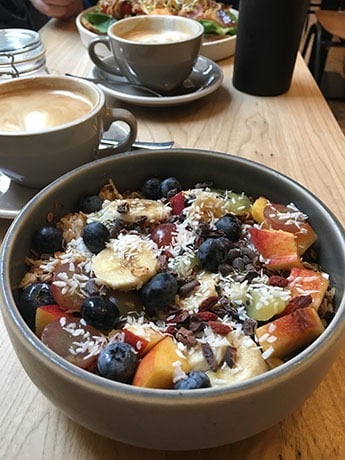
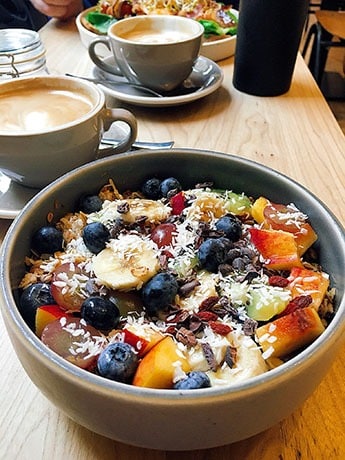
Foodie is designed for food photos. Sounds niche at first. The filters also work well for warm light, indoor scenes, or detail shots. For people and lifestyle content, it delivers quick looks with minimal tuning.
6. InShot | iOS & Android
InShot combines photo and video editing in one app. Cutting, music, filters, and ready made formats for stories, reels, or shorts are set up quickly. Many creators rely on it for that reason. Some features are freemium. The watermark disappears only with an upgrade. Still, the free version is enough for clean social content.
7. Hyperlapse | iOS only
Hyperlapse makes time lapse simple. Record, choose speed, done. The app stabilizes footage instantly, which keeps the look smooth. Useful for setups, travel, training, or event scenes where a time lapse adds impact.
Good Editing Needs Good Organization
When photos and videos grow, management quickly becomes a bottleneck. This is where the Media Hub comes in. Assets live in one place, get structured with AI, and can be shared in seconds. Across teams and with partners. That keeps the content stream flowing even when volume rises.